

The Link software
Download and play.
Your moves and voice become keyboard, mouse and gamepad input, with no changes to the game.
Play in three steps
Install
Download and open The Link.
Connect a camera or phone
Any webcam, or your phone as the camera.
Load a model and start
Pick a ready-made game model and play.
Inside the app
Your moves. Your rules.
From a movement to a command. See how The Link connects the two.
Real app captures · Frost Mage exampleOne action. One Link.
Spells, movement, voice, touch zones. Give every action a card, and every card a job.
Skills, movement, voice and touch zones, one card each.
01 / 06 · Link cards
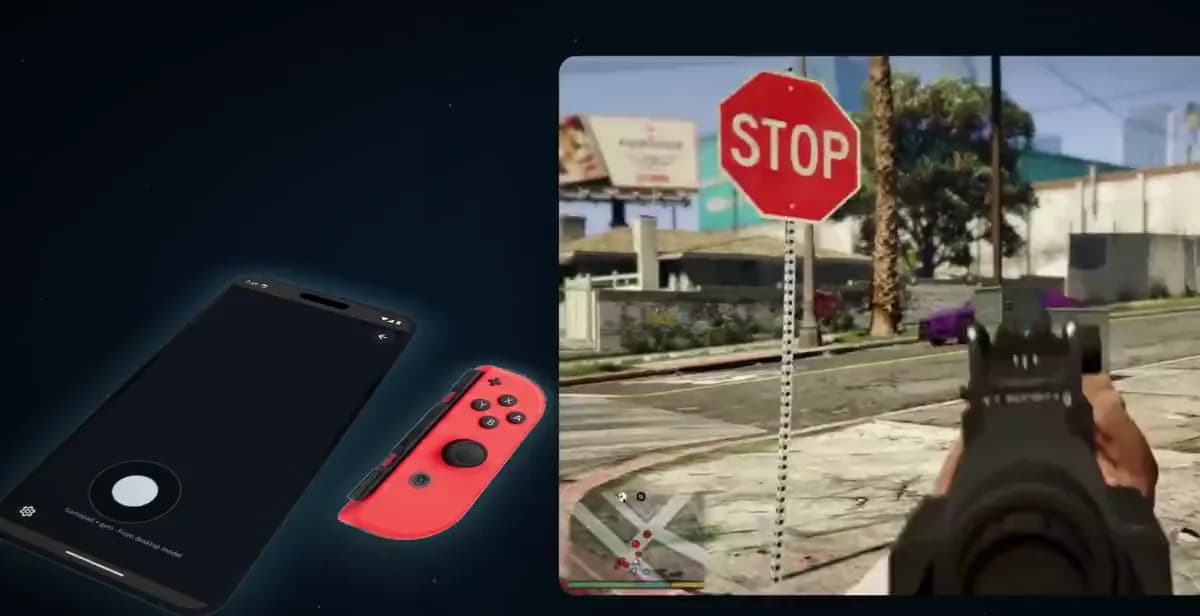
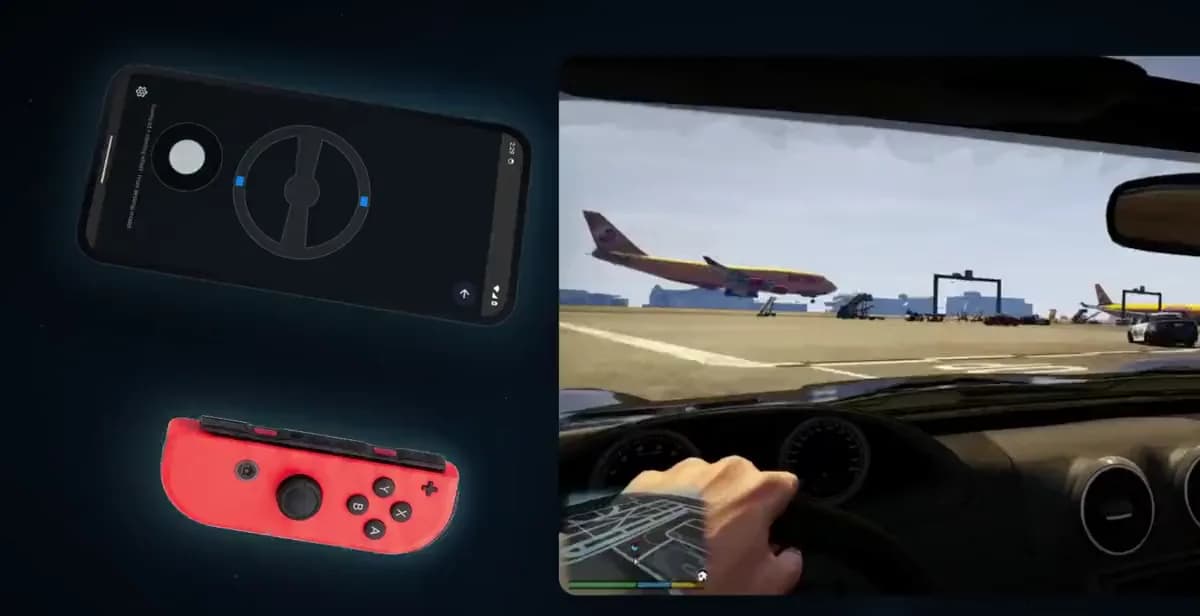
Mix in accessories
Add a phone or Joy‑Con.
A camera is all you need to start. Add a phone or Joy‑Con and tilt it to aim or steer.
System requirements
What your PC needs
Pose and voice recognition run on your computer, so no dedicated graphics card is needed.
| Component | Minimum | Recommended |
|---|---|---|
| OS | 64-bit Windows 10 or later | 64-bit Windows 10 or later |
| Processor | Intel Core i5 or equivalent AMD, 2.5 GHz or faster | Intel Core i7 or equivalent AMD, 3.1 GHz or faster |
| Memory | 1 GB RAM | 2 GB RAM |
| Graphics | No requirement | No requirement |
| Storage | 600 MB available space | 600 MB available space |
| Camera | A 720p webcam, or your phone as the camera | A wide-angle webcam that runs 720p at 60 fps |
| Microphone | Needed for voice control | Needed for voice control |
Your next step
Play it your way.
Choose your edition and bring movement and voice into your games.
Instructions and settings in the WikiThe existing Steam edition is available. The new website edition is in internal testing; features and interfaces can differ by edition.