
 Companion App
The Link
The Link companion app — your phone becomes the wireless camera your PC sees you through
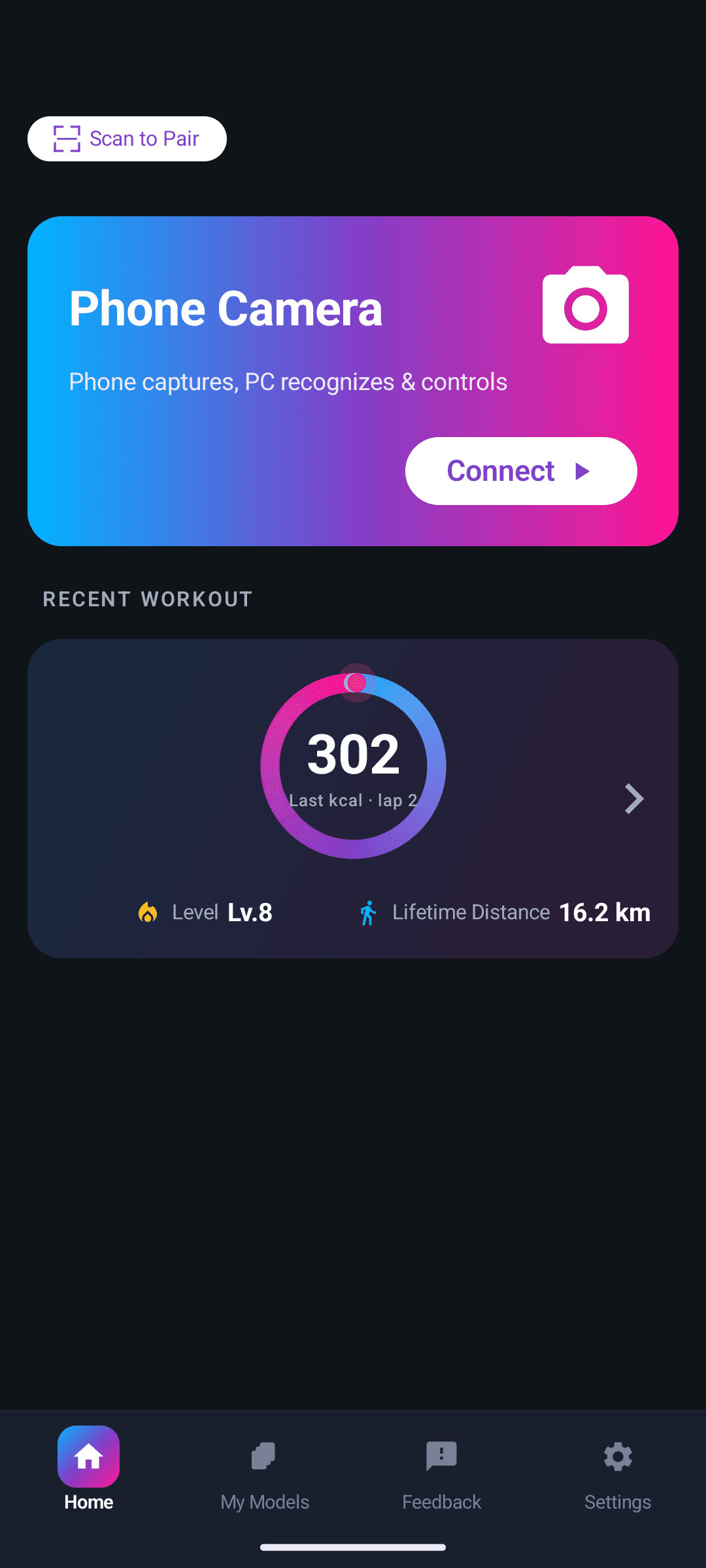
The mobile companion turns your phone into a wireless camera. It streams over your own local network to your PC, where the desktop app reads your body motion in real time and turns it into keyboard and mouse input — no wearables, no extra hardware.
Get the mobile app
Use the main button to open the right store for this phone. Other public channels stay available below.
Choose the store used by your phone
We could not safely choose one store, so every confirmed public option is shown below.
All confirmed download channels
Store routes only. The Link does not offer an unverified direct APK download here.
What it does
Wireless camera
Your phone streams its camera feed to your PC over your own network, at the quality the recognition pipeline needs.
Motion control
Paired with The Link on the desktop, your body movement becomes keyboard and mouse input in the games you already play.
Motion models
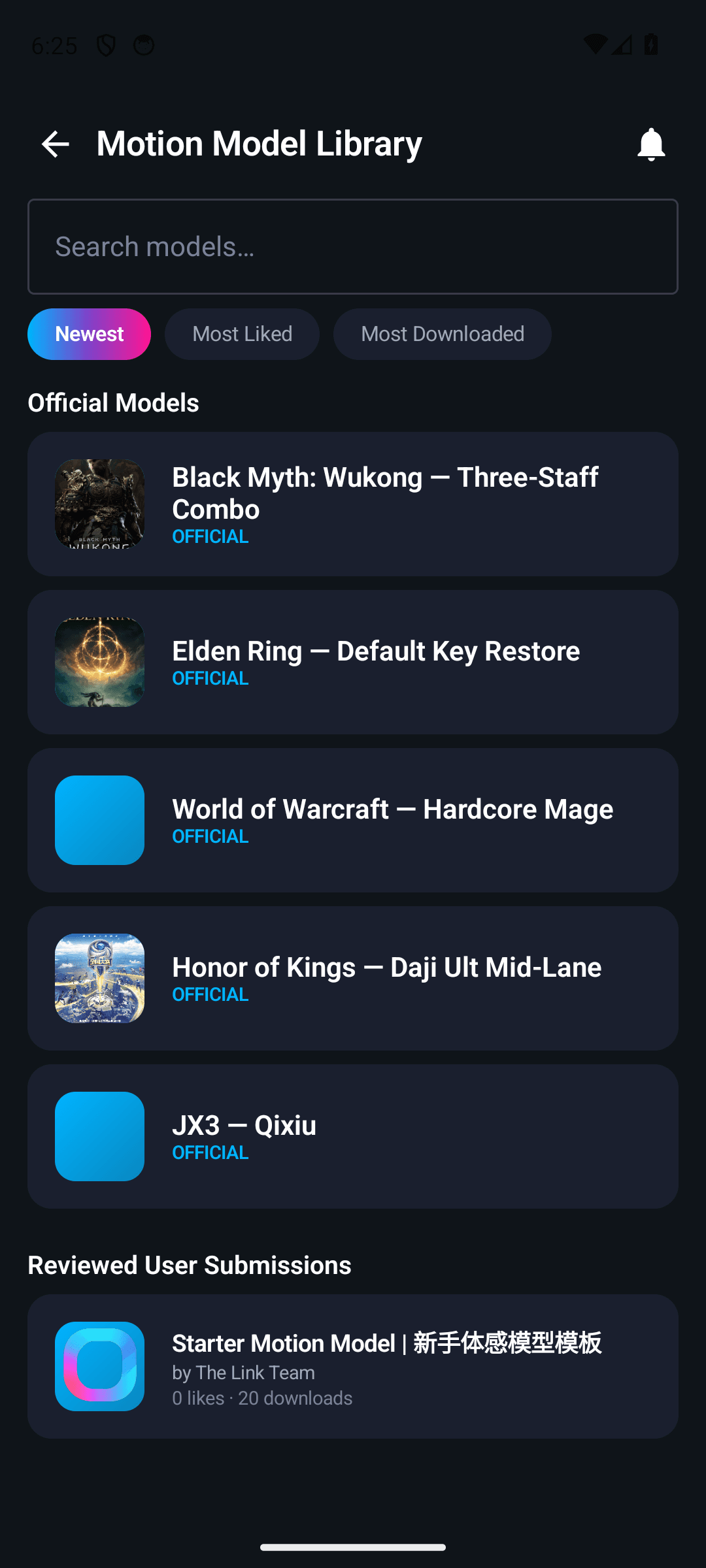
Browse official models and reviewed user submissions, then sync your saved motion-to-key mappings with your desktop over the LAN.
Motion stats
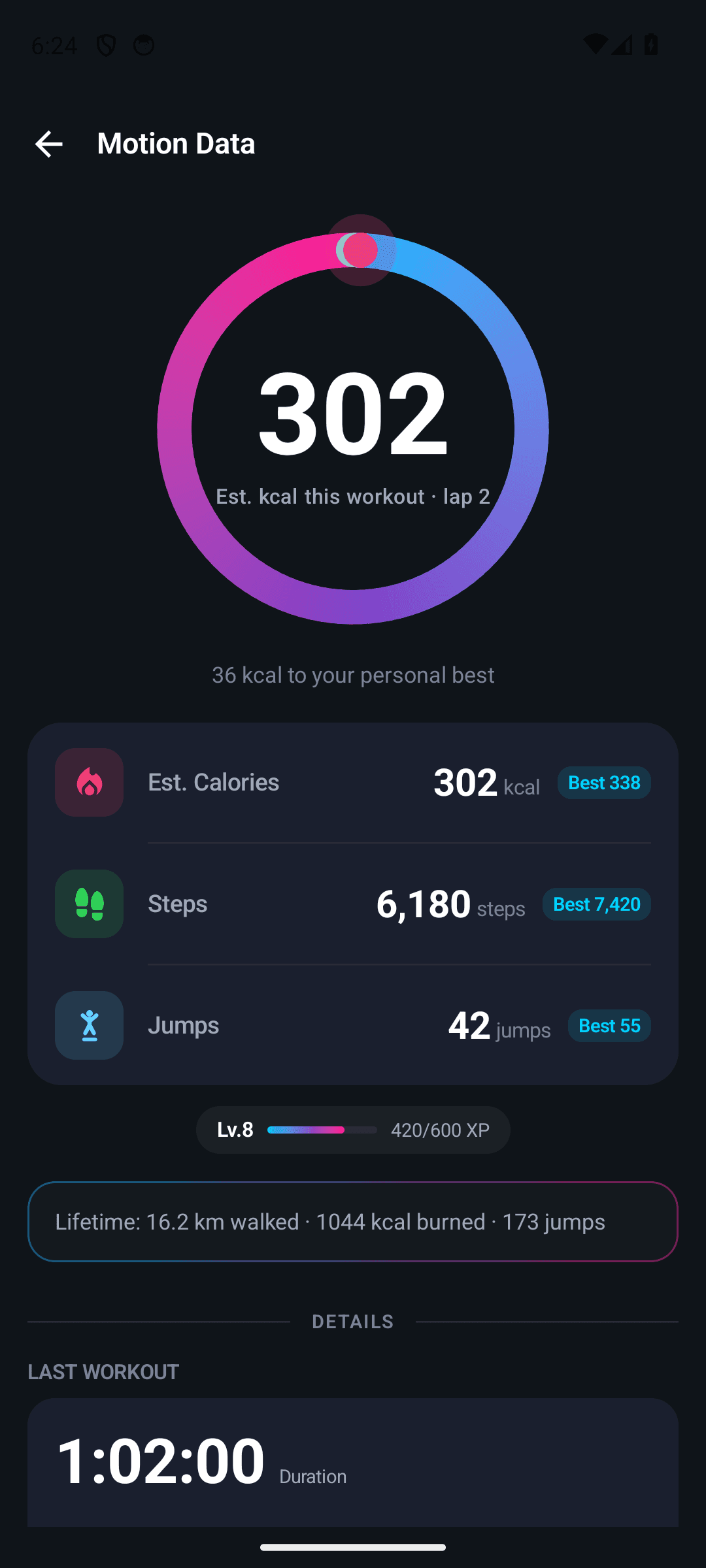
Estimated calories, distance, steps, jumps and personal bests, kept across every session.
How it works
Install The Link on your PC
The desktop app does the pose recognition and sends the key presses.
Put both on the same Wi-Fi
Pair by scanning the QR code shown on your PC, or connect straight to its IP address.
Point the phone at yourself
Your PC sees what the phone sees, and turns your movement into game input.
Works together with the desktop app
The mobile app is a companion, not a standalone product. The Link on your PC does the recognition and sends the input; your phone is the camera.
See The Link for PCYour camera feed stays yours
Camera frames are streamed only to your own PC over your local network — never uploaded to any server.