
Walk Recognition & Movement Control
Walk Recognition
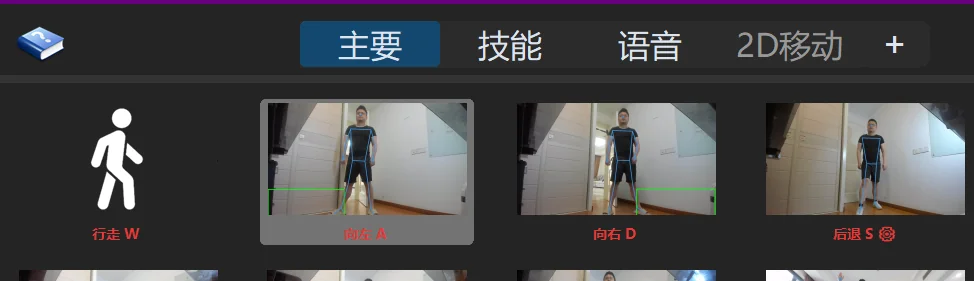
Once properly set up, The Link's walk recognition is designed to adapt to most computer specs and game types — and to synchronize perfectly with character movement in-game.
If you experience issues with walking recognition, it's most likely due to lighting conditions or camera placement:
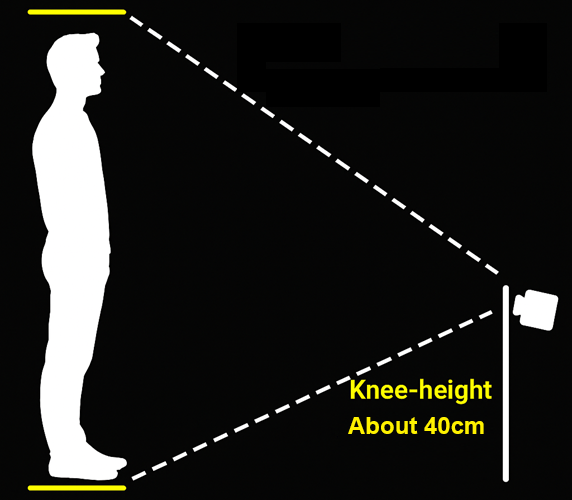
For new users, be patient while tuning it. Once adjusted, The Link's walk recognition should feel smooth and natural.
(The alignment guide figure is hidden by default while a game runs; enable Show figure during game in Overlay Setup when you need it.)
For details on how to adjust walking, check Walk & Jump Recognition
Movement via HitBox / Create a Virtual Dance Pad
You can use The Link's HitBoxes to control movement completely — with or without walk recognition. By using HitBoxes only for movement, you can bypass the need for camera alignment, silhouette matching, or a precise camera angle.
For example, one user created a virtual dance pad using The Link to control character movement in real time and interact with other inputs and outputs:
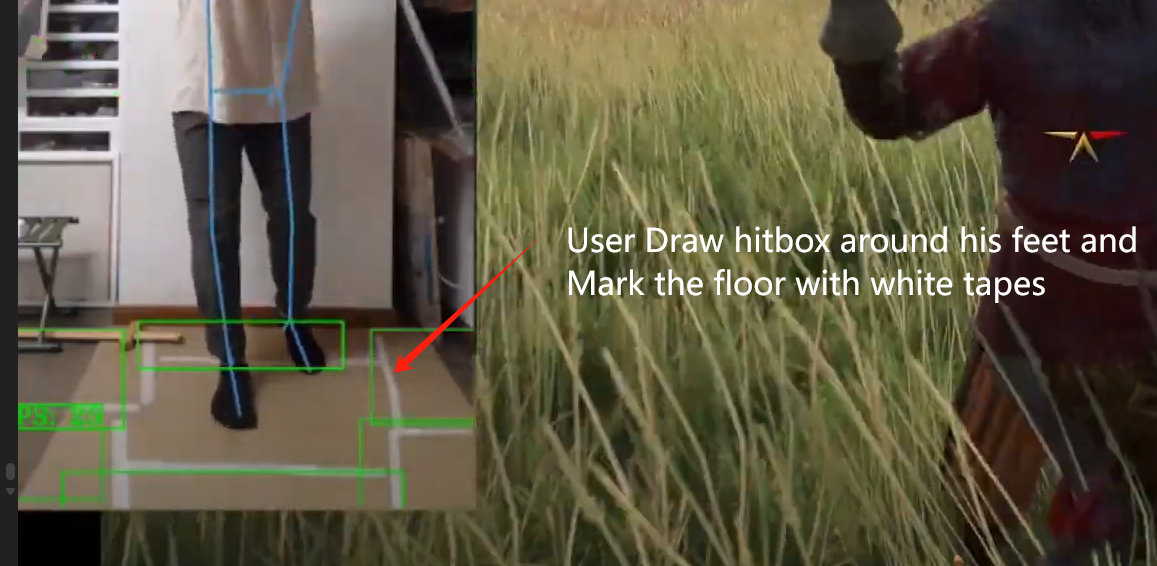
From user @赛博剑圣 — Kingdom Come: Deliverance II motion-control gameplay.
In Settings → Discover Models, under the General & Starter category, you'll find the Starter Reference Template — click Install to load it:
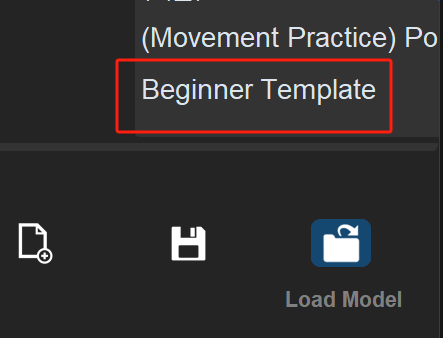
(You can also click Discover More at the bottom of the main window's Load Model panel to jump straight there.)
The template contains a basic prototype of the dance pad setup, which you can modify and explore further.
When enabling the 2D-movement page, make sure to disable other movement actions on the Main page — right-click a page tab to Enable/Disable a whole page (the template's 2D-movement page is disabled by default, so remember to enable it), and right-click an individual Link card to disable a single Link:
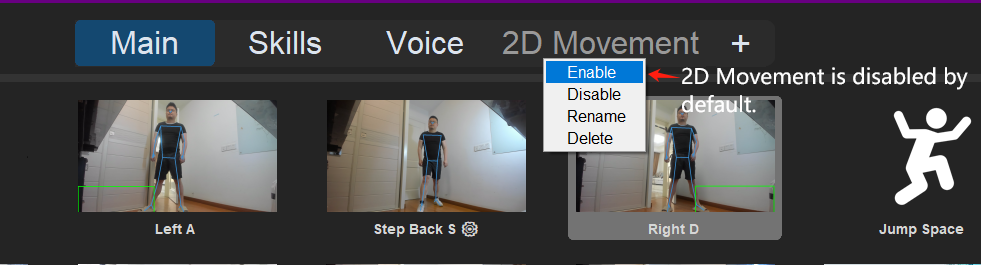
This virtual dance pad method is especially suitable for 2D games (marking the floor may help there too).
For beginners, creating a few movement Links with your arms or legs and HitBoxes is also a great way to get familiar with The Link.
Play with a Controller
For games that require moving, turning the camera, and attacking with both hands at the same time, you can try a controller to improve the experience:
Finger Ring Mouse
For camera control in first-person RPG games:
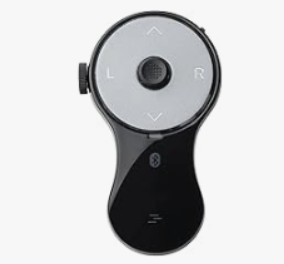
Wireless TrackBall
For camera control in first-person RPG games:
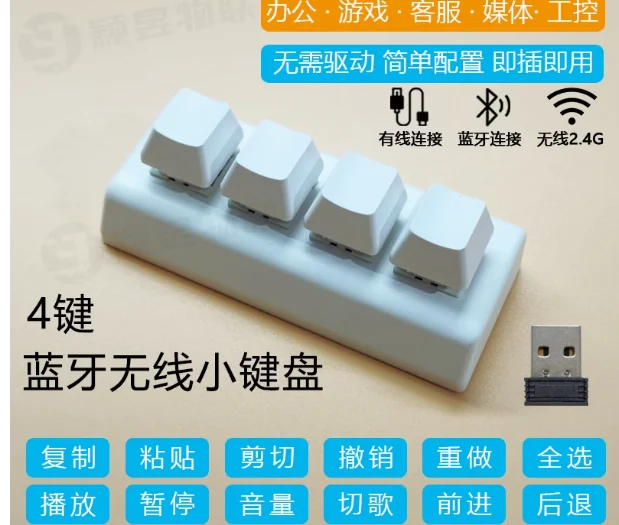
4-Key Mini Wireless Keyboard
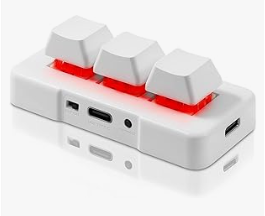
Mini wireless keyboards are simple, cheap, and plug-and-play — useful as custom turn keys or as left/right mouse buttons alongside Wrist To Cursor / Wrist To Mouse. Just note that holding one might not be very comfortable:
Joy-Con Controllers
The Link now supports Joy-Cons natively (including stick/gyro-to-mouse mapping) — pair them in the Link Joy settings panel. If you like tinkering and are willing to invest, you can also buy a pair of third-party Joy-Cons (the official ones are prone to Bluetooth disconnections) and pair them with JoyToKey, DS4Windows, JoyShockMapper, reWASD (paid but powerful), or other free mapping software to theoretically play any game.
Remember, the ultimate goal of The Link is to enable completely hands-free interaction with your computer using only a camera and a mic.
In certain games, or for those who are not yet fully accustomed to motion control, using an extra controller can be a temporary workaround.
But one day, with the ongoing improvements to the algorithm, everyone will be able to play any game — completely hands free.