
Black Myth: Wukong
MasonX's Model and Save File
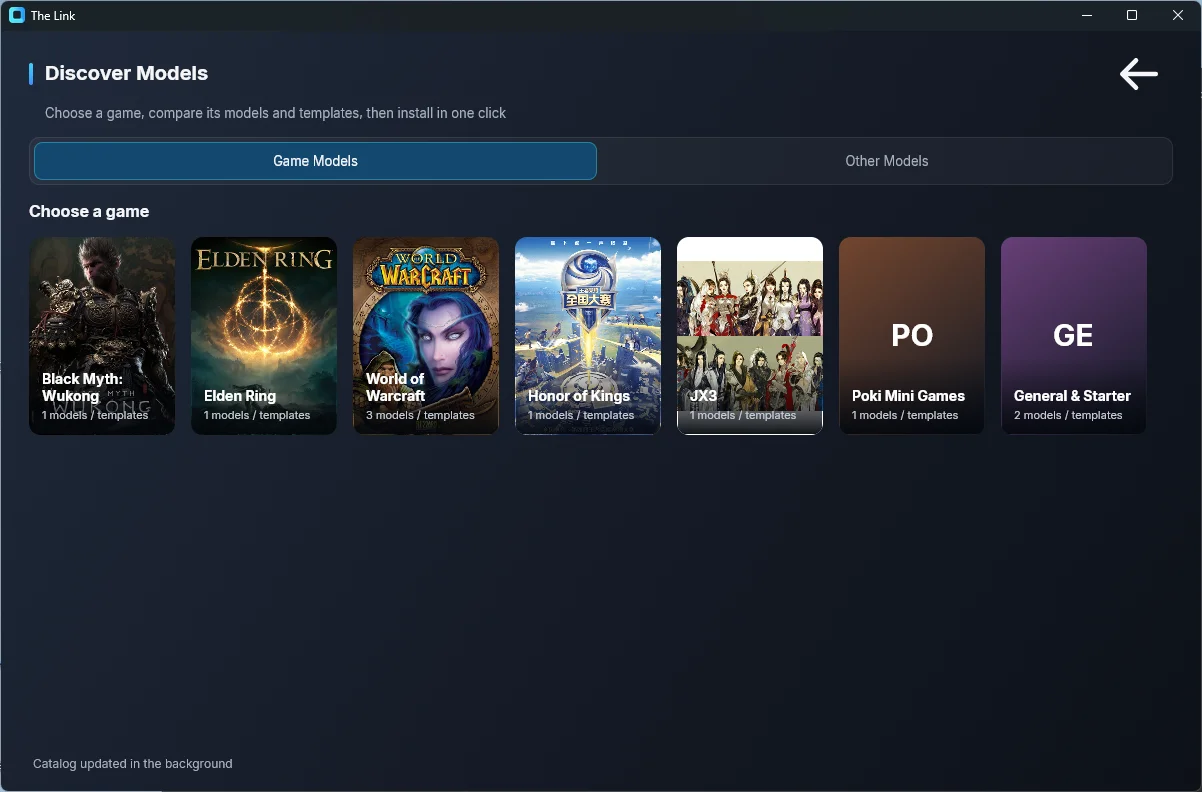
For Black Myth: Wukong, head to The Link > Settings > Discover Models, where you'll find my official "Black Myth: Wukong — Three-Staff Combo" template ready to download and modify: pick the "Black Myth: Wukong" game card on the Game Models page, find the model card (it carries the "Official" badge and shows the author, likes, and download count), then click "Install" (Download & Load). The card also has "Demo" and "Guide" buttons:
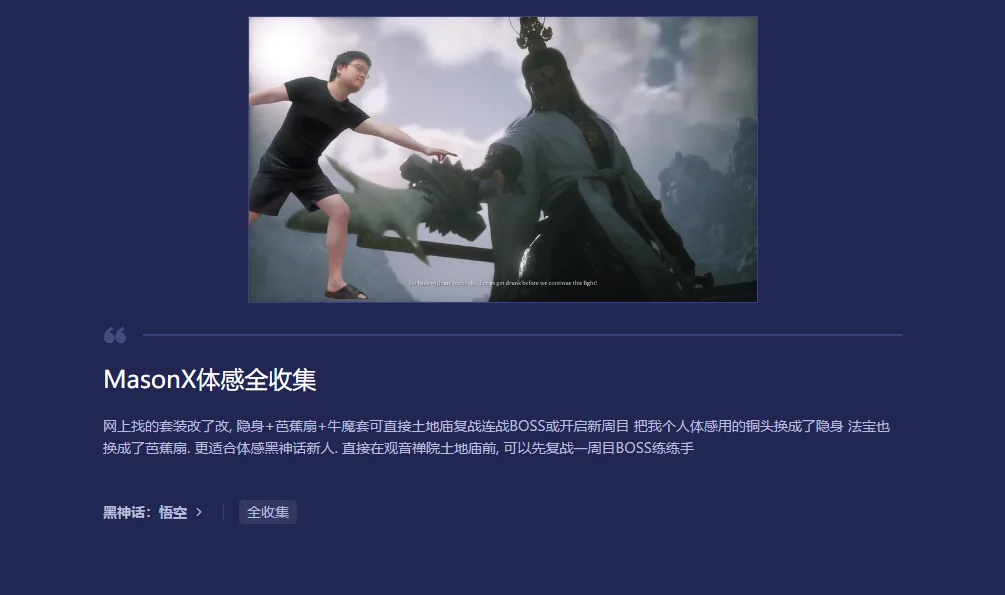
If you'd rather save yourself the effort, I've also shared a 100%-completion save file (UU Accelerator). It comes with all three staff stances fully unlocked, plus full collectibles so you can try out any armor set.
UU Accelerator cloud save link (UU can back up your current save first):
For my personal motion-control setup, I swapped the Rock Solid curio for Cloud Step (invisibility), and changed the Vessel to the Plantain Fan. The armor is the full Bull King set — it makes motion control feel even better. This is well suited to newcomers playing Black Myth with motion control. Just stand in front of the Shrine at the Temple of Mind: there's plenty of open space to practice your controls. I'd suggest replaying a New Game bosses first to get a feel for it, then gradually ramping up the difficulty, or starting a New Game+ if you prefer.
Re-record actions that don't work well / or swap in your own
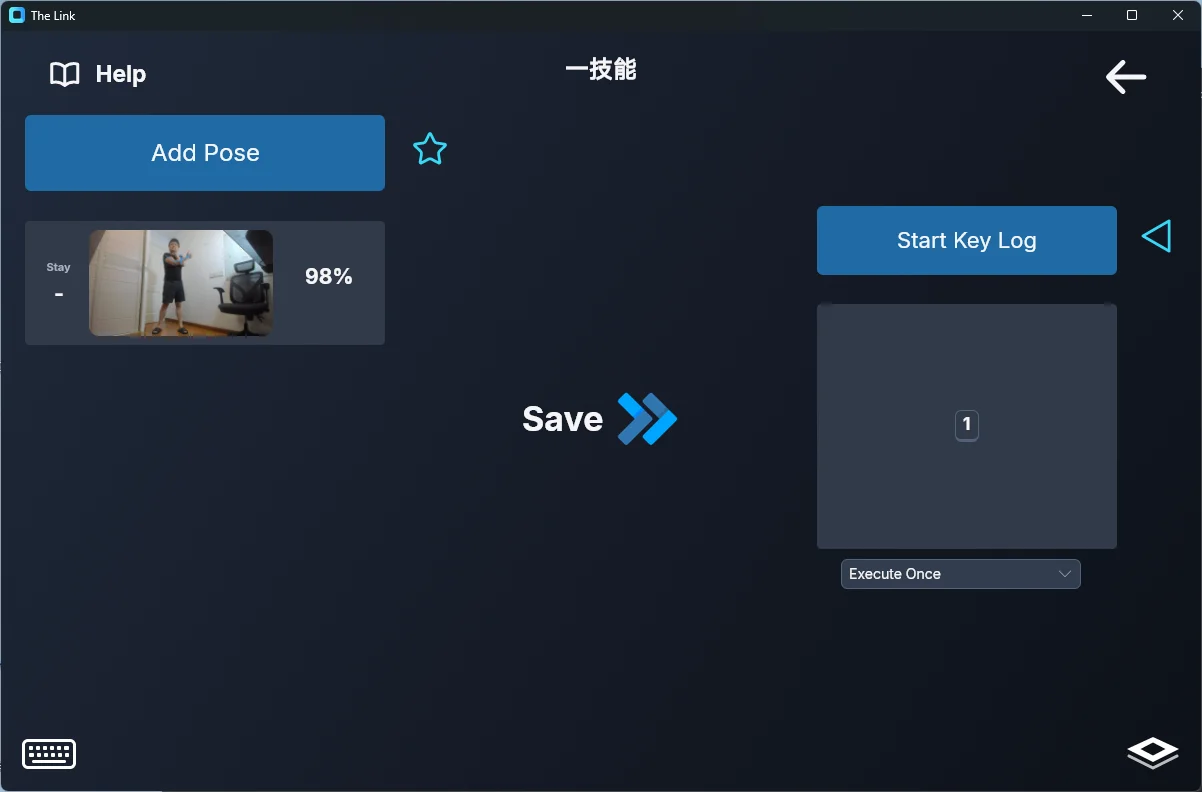
Double-click a Link card to open the editor, double-click the pose thumbnail to re-capture a new pose, or hit "Start Key Log" to re-record the hotkeys. See the Link Editor Overview and Keyboard & Mouse Recording.
Use an actual body turn to control turning left and right
Beginners may not be used to my method of controlling the camera with the right hand in the air.
You can switch to turning the camera by rotating your body instead.
- Find the software's "Disabled" category
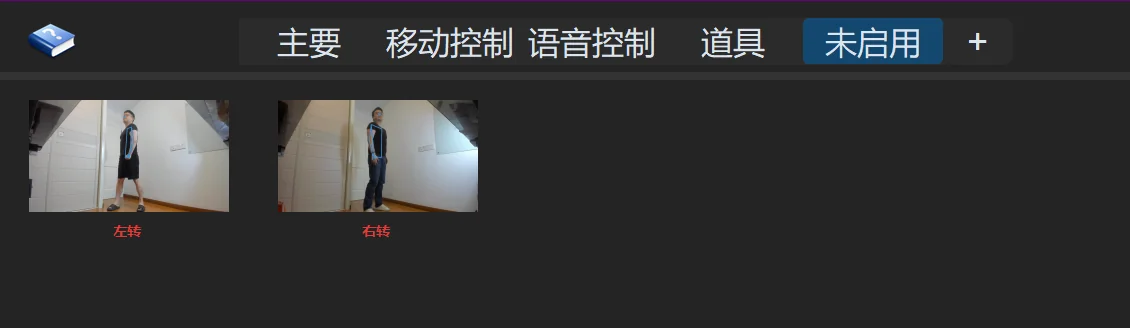
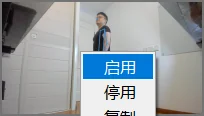
- Right-click to enable Turn Left and Turn Right
- Double-click to open the Link, then double-click the mouse-move step in the output timeline and change the values to adjust how fast you turn left or right:
(Aerial Wrist to Mouse) Adjusting camera sensitivity
Camera control uses the "Wrist To Mouse" output — see Body Mouse for sensitivity tuning.
Setting up Quick Turn
Optional: simplify dodging
To push things to the limit, my Black Myth: Wukong setup uses four separate actions for four different dodge directions. Except for leaning right, which triggers a continuous backward roll, each of these is one action per single dodge. But to get the same effect, you'd probably need latency and a frame rate close to mine. Newcomers can simplify this to a single action that spams the spacebar (Black Myth is one of the rare games where dodging automatically picks the direction for you).
You can refer to my backward roll: keep a single action, record just a spacebar in the output, and set the behavior to "Spam" — it will continuously tap space to dodge.