
Voice Recognition
The app uses an offline sherpa-onnx keyword-spotting engine. It recognizes configured hotwords rather than free dictation, and it does not require a Windows speech language pack or speaker training. Each command has a single 0–100 sensitivity curve, there is no model selector, and the engine is a fixed lightweight INT8 runtime.
Current controls
Open Settings → System Voice to configure:
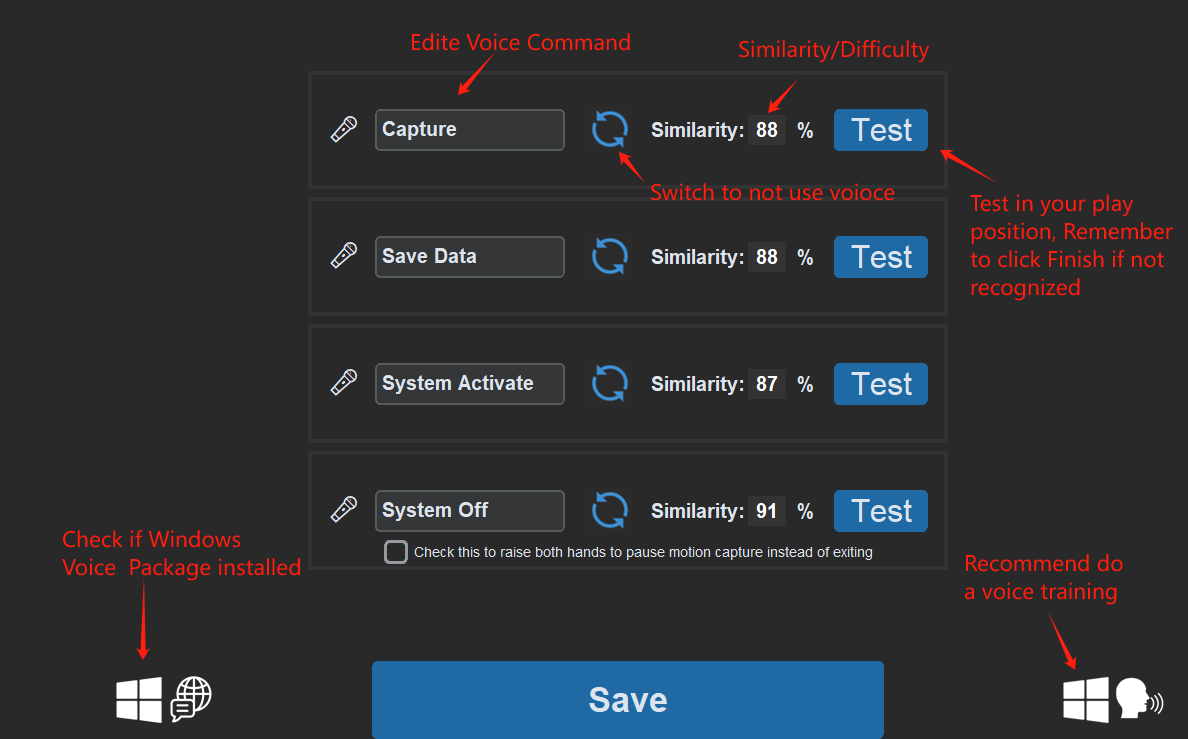
- Link Activate: Current Model Voice Wake is an always-on wake word — say it while the app is idle to start recognition; if the current model has a game launch path set, that game starts automatically too.
- System Commands: the Capture, Save data, and System shutdown phrases. Each command has its own phrase, sensitivity, and test; the ⇄ button switches applicable commands to Auto Countdown or Raise Both Hands behavior (1–99 seconds).

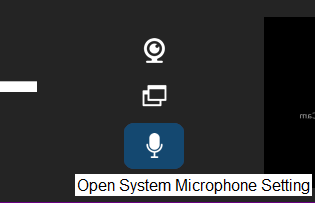
- Preferences: when selected, raising both hands returns to the synchronization screen instead of exiting.
The global Voice recognition (on by default) switch is under Settings → Advanced → Features.
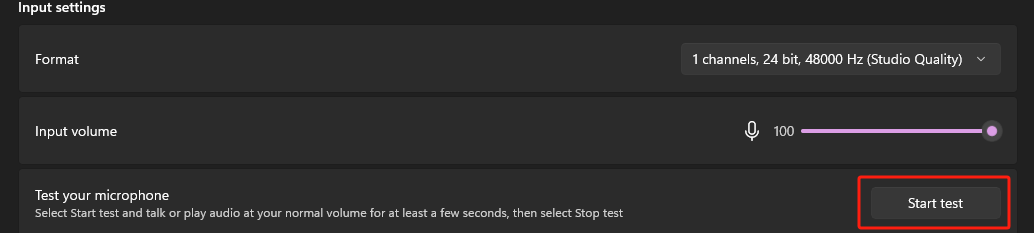
If you want to run without a camera entirely, choose Voice Only below the performance modes. It is not a performance notch but a special runtime mode: the app runs as a small floating window in the corner of the screen with the camera off, controlled by voice commands only.
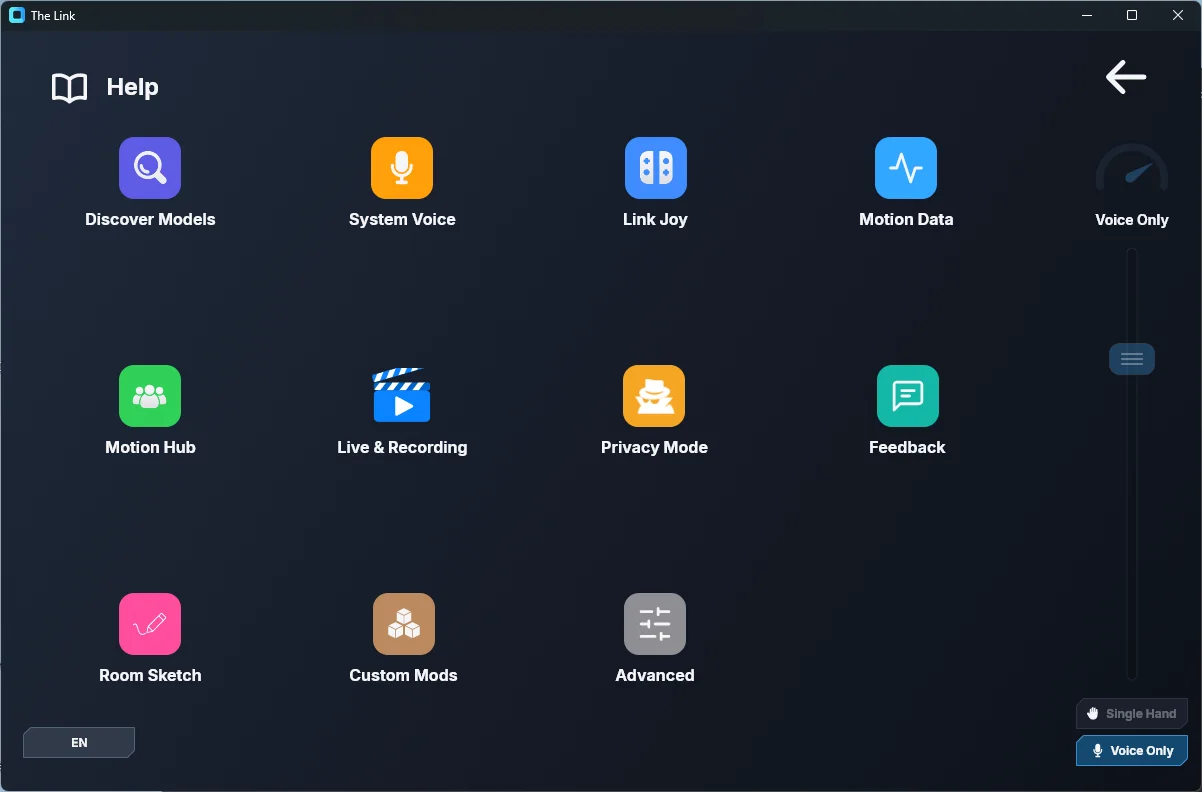
Microphone selection
The selected fixed microphone stays pinned. With system-default selection, the app probes available inputs and can use a paired phone microphone while that stream is active. A stopped or silent microphone is re-probed automatically with bounded retries.
Troubleshooting
- Open Settings → System Voice and test the exact command that is failing.
- Confirm the intended microphone has a live signal. If a fixed device is unavailable, return to system-default selection or select another device.
- Adjust only that command's sensitivity: higher is easier to trigger; lower reduces false activations.
- Keep game audio away from the microphone or use headphones. For Link voice inputs, add a pose parent condition in noisy or speech-heavy environments.
- If recognition is globally disabled, enable Settings → Advanced → Features → Voice recognition (on by default).
For adding a Link voice input, see Add Voice Recognition.