
Frequently Asked Questions 2
Q:
How do I start it? Why can't I control anything in the game? I'm moving but nothing happens in the game.
A:
First, make sure you've actually started it. Starting takes two steps:
- Click the small live camera preview at the bottom of the app — it shows a Click to Start hint:
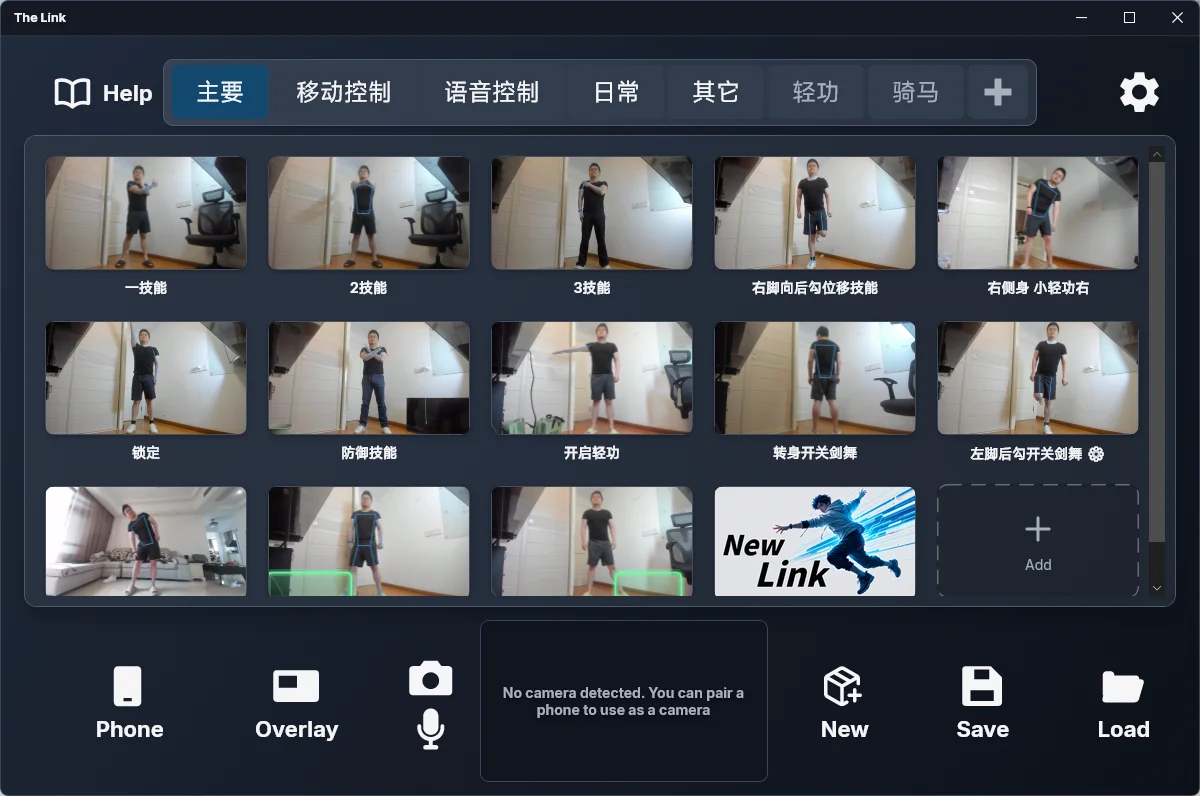
The screenshot above shows the main window with no camera connected — the preview reads "No camera detected. You can pair a phone to use as a camera". The live feed and the Click to Start hint only appear once a camera is connected.
- Clicking puts the app into a waiting stage. Say the wake word "System Activate" into your microphone and motion recognition actually begins. In fact, saying the wake word on its own starts the system at any time — it is equivalent to clicking Start.
If the preview shows no picture, check what it says first:
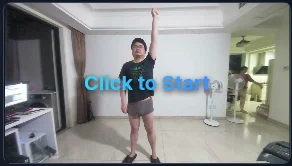
- Camera initializing — the camera is opening; give it a moment.
- No camera detected. You can pair a phone as the camera — no usable camera was found; click Connect Phone to use your phone as the camera.
- No camera detected — tap "Phone Camera" on your phone to start — a phone is paired; start streaming from the phone.
- Voice-only mode · Click to Start — voice-only mode is active; you can start without a camera.
- A black preview while "Disable camera preview" is checked is normal — clicking it still starts the system.
Once you've confirmed it's running, check whether the mouse has switched its clicks over to the game, so that the keyboard and mouse can control it.
Q:
I play Monster Hunter: World — how do I aim? Holding down the focus attack doesn't seem to work.
A:
Try binding each attack to also hold down the focus key at the same time.
Q:
Do you offer remote-assisted installation?
A:
Hi! Right now we only support self-installation. Take a look at the video tutorials on the homepage.
Q:
Does this software support Kinect?
A:
The Link is built around an ordinary webcam, so it doesn't support the depth sensor or infrared camera on a Kinect. If you've installed the Kinect Windows SDK, you can use the Kinect as a plain RGB webcam — but the results may be worse than just buying a cheap $20–30 ordinary webcam. The webcam our users currently find works best with The Link is the NexiGo N980P wide-angle webcam.
Q:
How is the latency on this software?
A:
The theoretical minimum latency is 0.017 seconds, because The Link is pure software. When the software runs at maximum performance, the latency from recognizing a pose to sending a keystroke is 0.017 seconds (1000ms / 60fps). In actual use it's affected by your computer's performance and your webcam's performance. If you're connected to a TV, the TV's display will also be a bit slower than a normal monitor. So you'll need to weigh everything together. Take a look at the videos on the homepage, or search for videos from other streamers and users to get a feel for the latency across different The Link setups.