
Connection Switch Control
In the current interface this feature is called Link Toggle.
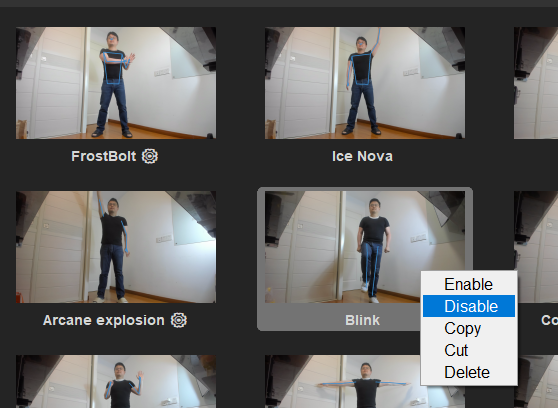
Every Link in The Link can be manually Enabled or Disabled by right-clicking its card on the main interface; Enable/Disable applies to the whole current selection. Note there is no delete entry in that menu — delete with the ✕ on a selected card or the Del key.
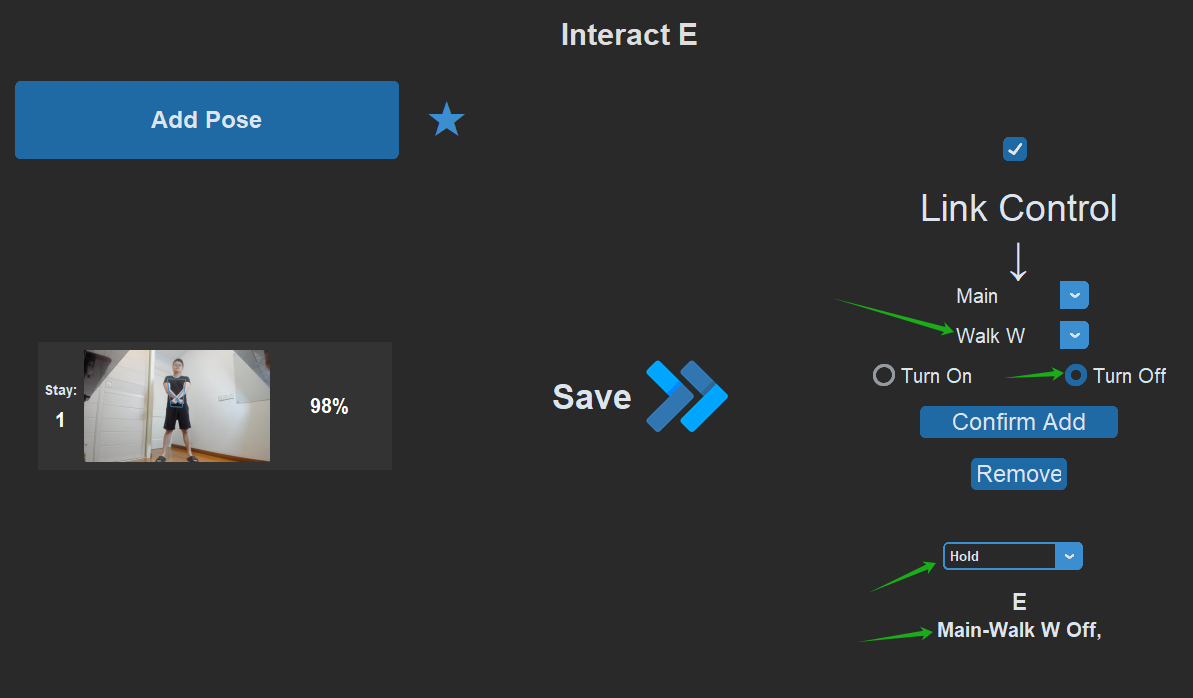
The Link Toggle output lets you switch individual Links on or off dynamically in-game, using any input (pose, voice, hitbox, and so on).
How to Add One
- On the output side of the Link Window, scroll the mouse wheel over the recording button (or hover the small ▽ next to it) and choose Page & Link Control.
- Switch to the Link Toggle tab at the top of the popup.
- Use the two dropdowns to pick a page and a Link on that page.
- Click Add Link — On or Add Link — Off; clicking adds the entry immediately.
- Choose the behavior mode (Execute Once / Hold / Trigger & Release / Spam) and click OK. Note that clicking outside the popup does not dismiss it.
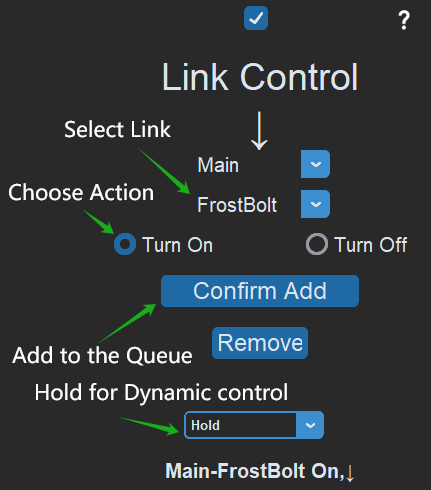
The output frame then shows badges in the Page-LinkName On/Off format, for example Movement-Forward Off.
Common Use Cases
A Hold Link Toggle behaves like holding down a key: while you hold the pose, the "Off" entry keeps that Link disabled; release the pose and it re-enables.
- Stop walking whenever you want — add a Hold "Forward Off" to your NPC-interaction or item-pickup Link, so your character stops right in front of the NPC or corpse the moment you interact.
- Prevent movement while channeling — hold-disable the movement Link during a channeled cast, so you never step forward by accident.
- Avoid trigger conflicts — if performing one action tends to misfire another, temporarily disable the conflicting Link inside the first one.
Used well, Link Toggle lets you balance "reliably triggering the skills you want" against "avoiding misfires". For more anti-misfire tricks, see Pose Recognition.