
Camera-Related Issues
This is the main triage page for camera problems. When The Link detects a camera issue it tells you the cause directly — this page walks through each message.
Camera Won't Open / No Picture
If the main-window preview shows No camera detected. You can pair a phone to use as a camera, there is currently no usable physical camera on the system; Initializing... just means the first frame hasn't arrived yet.
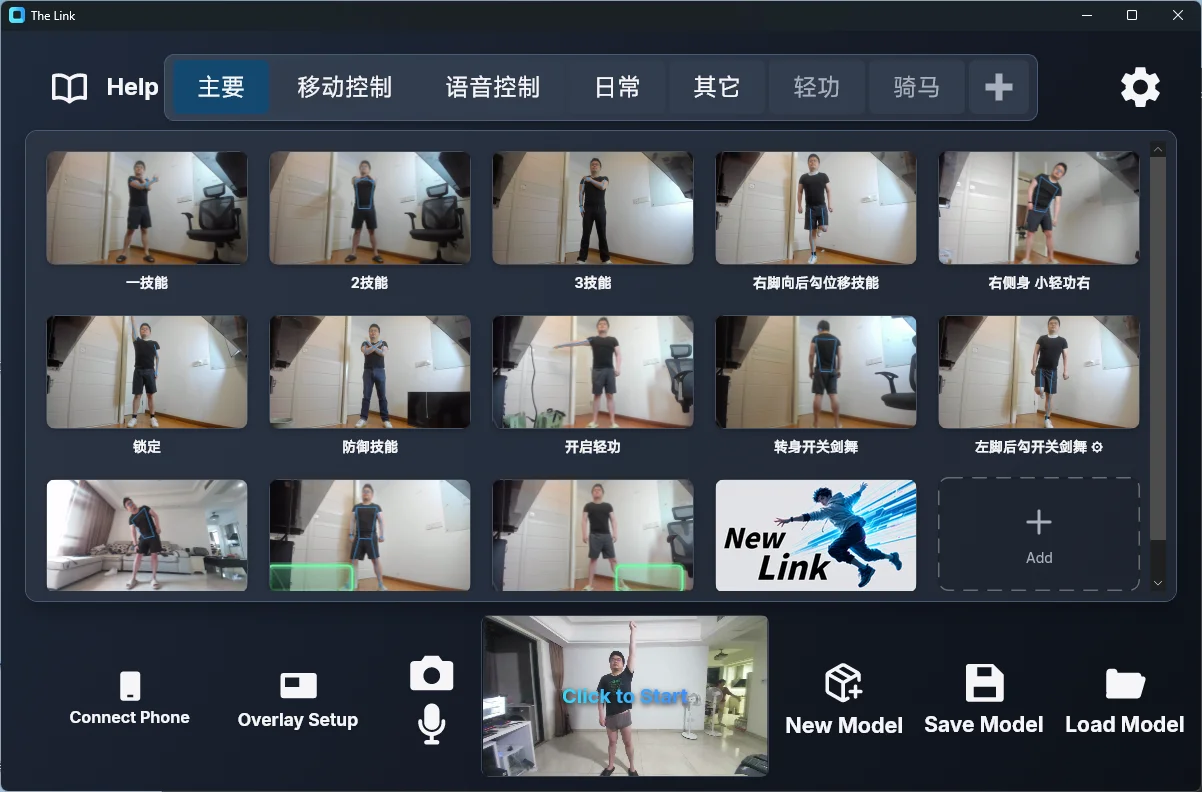
When the No picture from the camera message appears, The Link lists its common causes:
- In use by another app: close whatever is holding the camera (video calls, streaming software, camera utilities), then re-select the camera.
- It's a third-party virtual camera: compatible virtual cameras can work, but support is best-effort and latency or compatibility varies. Prefer the physical device or The Link's direct phone connection in the 📷 settings. Some webcam utilities create a virtual camera that hijacks your physical one and leaves a permanent black screen; select the physical device directly or uninstall the utility if needed.
- Windows camera access is off: Windows Settings → Privacy → Camera → enable "Let desktop apps access your camera".
Two hardware causes that are easy to miss: the lens cap is still on; a flaky USB cable / hub / adapter — plug the camera directly into a USB port on the PC if possible.
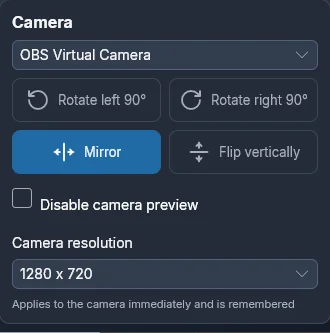
To switch cameras, click the 📷 button at the bottom of the main window and pick a device in the first dropdown (The Link remembers your choice):
Stutter / Delay / Low FPS After Starting
Start with the in-app Camera resolution picker (in the 📷 camera settings) — it applies to the camera immediately and is remembered, no restart. The Link picks a suitable resolution automatically per performance mode and uses at most 720p (1280×720). The app does not request 60 fps — "720p 60fps" is hardware buying advice, not a software requirement.
If you suspect the camera itself, cross-check with the Windows Camera app (is the picture normal? are its parameters locked by other software?).
Cameras that normally run 60 fps but are locked to 30 fps often have a faulty USB cable or adapter.
Full performance triage: Delay, Lag and Low Frame Rate
What Do the Two Resolution Dialogs Mean?
- Camera resolution too high! — the connected camera streams an ultra-high resolution and refuses to go lower (typical for DSLRs and capture cards). An ultra-HD picture only adds delay and extra performance load, with no gain in recognition accuracy. The dialog's Why, and how to fix it button takes you to Delay, Lag and Low Frame Rate; lower the output resolution on the camera side or use a regular webcam.
- Limited performance downgrade — this camera's lowest resolution is higher than what the current performance mode wants; it can't go lower. The Link remembers that minimum and stops requesting below it. Informational only — but it means the resolution downgrade of Fast/Lite modes is limited on this device.
No Camera at All?
- Use your phone as the camera (recommended): click Connect Phone on the main window and pair with The Link phone app — the phone becomes this computer's camera: Use Your Phone as Camera & Mic (Step by Step)
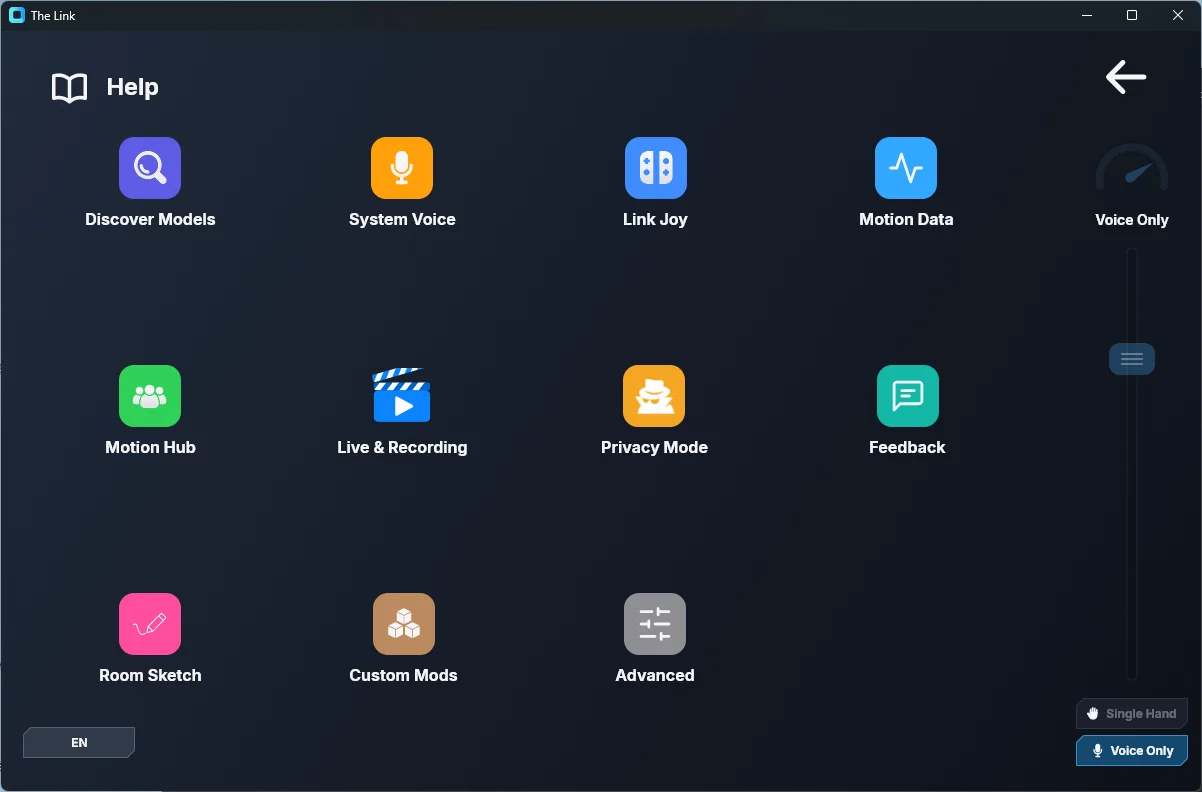
- Voice Only mode: no camera needed at all. Pick Voice Only in the performance section of Settings — the preview shows Voice-Only Mode — click to start, and you control the game with voice commands only:
Can't Fit My Full Body / Can't Align with the Figure
Adjust the camera's tilt so your feet align with the bottom edge of the frame; turn on Overlay Setup → Show figure during game to keep the stance figure visible in-game as a reference.